
Tile Arrangement Basics
Players see a grid of shuffled picture tiles with one empty space. Tapping or clicking a tile next to the gap makes it slide into the empty spot. The goal is to move tiles around until the full image matches a reference shown on the side. This straightforward mechanic is easy to learn but offers enough depth to keep the mind engaged.
Dinosaur Artwork and Theme
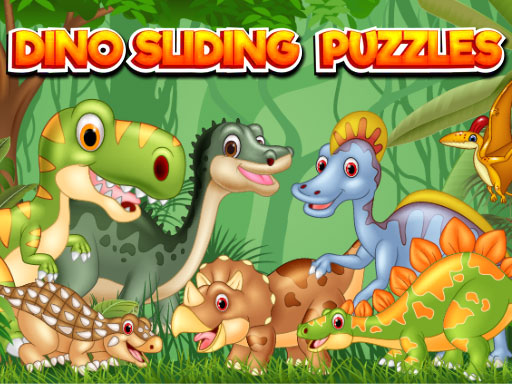
Each puzzle features bright, friendly dinosaur illustrations that appeal to both children and adults. The artwork avoids scary or intense imagery, focusing instead on playful, colorful designs. This makes the game suitable for family play or a quiet break during the day.
Controls and Device Support
Controls are designed for simplicity. On touchscreens, a quick tap moves a tile. On desktop computers, a mouse click does the same. The interface responds instantly, so there is no lag or frustration. This consistency across devices means players can switch between phone, tablet, or computer without relearning anything.
Optional Timer Feature
A built-in timer records how long each puzzle takes to complete. This feature is entirely optional and does not penalize slow play. Some players enjoy tracking their improvement over time, while others prefer to ignore the clock entirely. The choice is left to the user.
Puzzle Variety and Progression
The game includes multiple dinosaur-themed puzzles, each with a different image. Players can select any puzzle from the menu, allowing them to choose their favorite dinosaur or try them all. There are no locked levels or required order, so everyone can play at their own pace.
Tips for Efficient Solving
A common strategy is to first locate the corner pieces and place them correctly. From there, work along the edges before filling the center. Using the reference image as a guide helps identify where each tile belongs. Because there is no time limit, planning moves in advance reduces mistakes and makes the process smoother.





Comments
0 comments